Free WiFi at Airports, Hotels, and Cafes: Connect Safely
You spend hours at the airport waiting for your flight. Don’t you want to stay connected without burning through your mobile data?
Nota: todos os links são para conteúdos dentro do nosso próprio site.
Free WiFi is everywhere — airports, hotels, cafes — but connecting safely requires knowing where the real networks are and how to protect yourself from hackers.
This guide shows you exactly where to find legitimate free internet access and the security steps that actually matter when you’re on public networks.
Why Free WiFi Matters More Than Ever
Travel is expensive. Between flights, accommodation, and meals, your budget shrinks fast. Free WiFi access saves money and keeps you productive while away from home.
But here’s the catch: public networks attract cybercriminals. A 2023 survey found that 65% of travelers access sensitive information like banking on public WiFi without protection.
The risk is real. Hackers intercept unencrypted data, steal login credentials, and access personal files. One session on an unsecured network can compromise your entire digital life.
Smart travelers know where to find trustworthy free WiFi and how to use it without exposing themselves to danger.
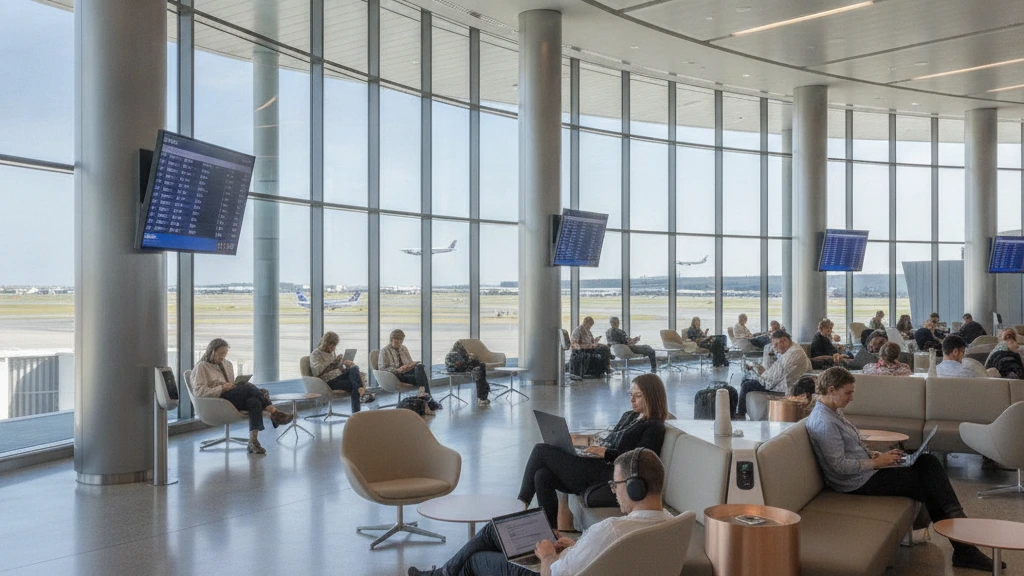
Best Free WiFi at Major Airports
Most international airports now offer complimentary internet. Here’s what you’ll find at major travel hubs:
- Hartsfield-Jackson Atlanta (ATL): Instant WiFi, no registration required, global passengers
- Dallas/Fort Worth (DFW): Free high-speed across all terminals since 2021
- London Heathrow (LHR): 2-hour free sessions, extended access with registration
- Tokyo Narita (NRT): Unlimited free WiFi, one of Asia’s fastest networks
- Singapore Changi (SIN): Premium free access, 12-hour passes available
Most airports offer these networks under official names like “AirportName-Free” or “AirportName_Guest.” Always verify you’re connecting to the legitimate network by checking the airport’s website or information desk before boarding your flight.
Hotel WiFi: What You Actually Get
Hotels market free WiFi as a premium feature, but quality varies wildly depending on your room rate and location.
Budget chains often provide basic free WiFi across common areas and rooms, though speeds drop during peak hours. International hotels guarantee faster, more stable connections. Luxury properties sometimes charge for premium tiers, but standard free access works fine for email and messaging.
Here’s the strategy: when checking in, ask about bandwidth speeds, whether you need a separate password for different areas, and if guest networks are truly separated from hotel admin systems (they should be).
Cafes and Coffee Shops: Spotting Real Networks
Starbucks, local cafes, and restaurant chains offer some of the most accessible free WiFi. But they’re also prime hunting grounds for man-in-the-middle attacks where hackers create fake networks.
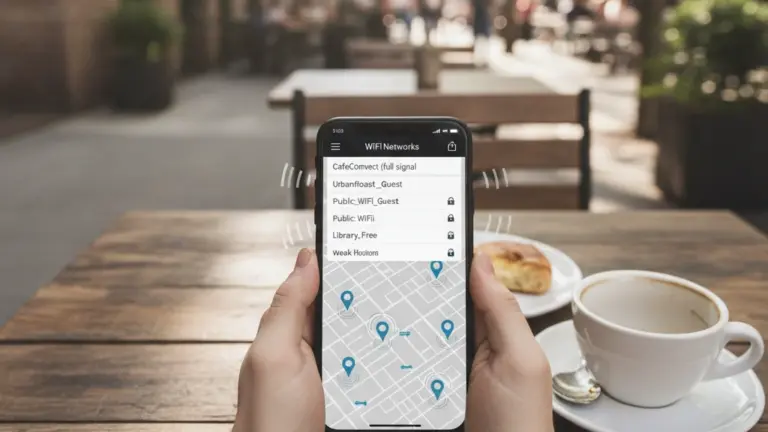
A fake “Starbucks-Free” network might be identical to the real one. Always ask staff for the exact network name before connecting. Some cafes require a purchase or loyalty app login — this extra step actually adds security because it identifies legitimate users.
Small independent cafes often run less secure networks since they lack IT infrastructure. If you’re handling sensitive work — banking, email passwords, confidential documents — skip the local cafe network and use your phone’s hotspot instead.
Critical Security Steps Before Connecting
Free WiFi means zero network encryption. Your data travels in plain sight unless you add your own protection layer.
- Use a VPN: Encrypts all traffic, making it unreadable to network snoopers. Services like ExpressVPN, NordVPN, and ProtonVPN work on all devices
- Disable auto-connect: Turn off automatic WiFi connection in your phone settings so you don’t accidentally join malicious networks
- Turn off sharing: Disable file sharing, AirDrop, and Bluetooth when on public networks to prevent unauthorized access
- Avoid sensitive transactions: Never access banking, crypto wallets, or enter passwords on public WiFi, even with a VPN
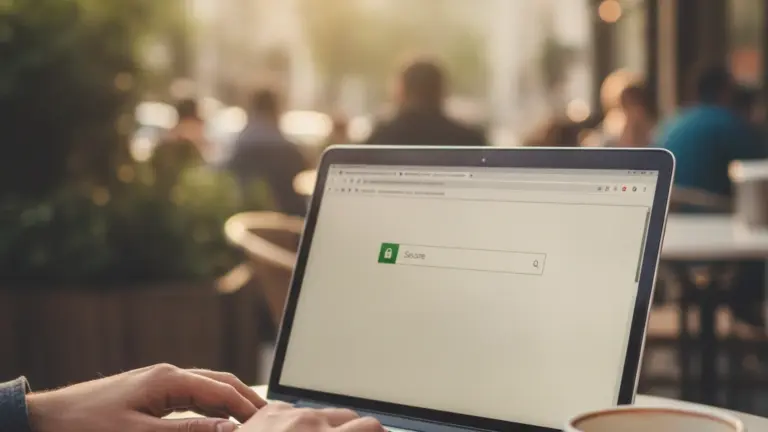
- Use HTTPS only: Check that websites show the lock icon before entering any information
VPN vs. No VPN: The Real Difference
A VPN creates an encrypted tunnel between your device and a secure server. All your traffic passes through this tunnel, invisible to anyone monitoring the network.
Without VPN: Someone with basic hacking tools can see your passwords, emails, and browsing history in real-time. It’s like sending postcards through the mail — anyone can read them.
With VPN: Your data is locked in a sealed envelope. Hackers see only encrypted gibberish. Even if they intercept your traffic, they can’t decode it.
Top VPN providers for travelers offer fast speeds, servers in multiple countries, and zero-log policies (they don’t store your activity). Monthly plans run $5-12, though some offer yearly discounts approaching $3-4 monthly.
Hotels vs. Airports: Which WiFi Is Safer?
Hotel networks tend to be more secure than airport networks because hotels have invested in professional IT infrastructure and authentication systems.
Hotels use network segmentation — guest WiFi is physically separated from admin systems. Staff networks run on different channels with stronger encryption. When you connect to hotel WiFi with a room number or email, the system identifies you, making unauthorized access riskier for attackers.
Airport networks, especially at busy hubs, prioritize speed and simplicity over security. Thousands of people connect simultaneously, making it harder for staff to monitor suspicious activity. Open networks with no password requirement are inherently riskier because anyone can join, including bad actors.
That said, major airports from reputable airlines and governments (Singapore, Tokyo, European hubs) maintain better security than regional airports or private terminals.
When to Use Mobile Data Instead
Sometimes paying for data is smarter than risking your security on free WiFi.
Banking apps, password managers, email logins, cryptocurrency transactions, and any financial platform should never touch public WiFi. Even with a VPN, the risk isn’t worth the potential loss. Use your phone’s cellular data for these activities — it’s encrypted end-to-end by your carrier.
Streaming, downloads, and entertainment can safely use public WiFi if you’re on a VPN. The data isn’t sensitive, and VPN encryption protects against eavesdropping.
International travelers should check if their carrier offers affordable roaming plans or if purchasing a local SIM card makes sense for the trip. A week in Southeast Asia might cost $10-20 for 5GB through local carriers — sometimes cheaper than reliable VPN access.
Emerging Trends: Better Free WiFi Security
The WiFi landscape is improving. Modern standards like WiFi 6 and WPA3 encryption offer significantly better security than previous generations.
WPA3 is the current standard, protecting individual user sessions even on open networks. A password on the router isn’t required — instead, your device creates its own encrypted connection. Airports and hotels built or upgraded infrastructure recently likely use WPA3.
Payment apps are also shifting requirements. Apple Pay and Google Pay never expose card data on networks. Authentication happens device-to-bank through cellular data, leaving WiFi connection irrelevant.
Major hotel chains now offer two-factor authentication for WiFi login. This means even if someone steals your password, they can’t connect without your phone confirmation.
By 2025, expect most premium hotels and major airports to offer WPA3 networks and enhanced authentication. Budget properties and small cafes will lag behind — another reason to use VPN on lower-tier networks.